GTA 6 preload date: when it starts and how to prepare
Prepare for GTA VI's early download on PS5 and Xbox Series, including what changes when your purchase is a download code delivered in a box.

Last updated: November 8, 2026
Rockstar announces November 10, 2026 as the preload start on its current GTA VI website, checked November 8. This corrects the previous November 12 reference. The checked label does not establish a local time here; check availability in your account. Downloading does not unlock access.
Download time: three calculated scenarios
For decimal units, hours = GB × 8,000 ÷ Mbps ÷ 3,600. Use sustained console download speed rather than the advertised broadband tier. Installation, congestion, pauses and updates are excluded.
| Imaginary download | 50 Mbps | 100 Mbps | 300 Mbps |
|---|---|---|---|
| 100 GB | 4 h 27 min | 2 h 13 min | 44 min |
| 150 GB | 6 h 40 min | 3 h 20 min | 1 h 7 min |
| 200 GB | 8 h 53 min | 4 h 27 min | 1 h 29 min |
These are our calculations, rounded to minutes, not GTA VI sizes or server measurements. GiB and GB are different units; this table is not an exact GiB conversion.
At 100 Mbps, an imaginary 150 GB transfer takes about 3 hours 20 minutes ideally. At 50 Mbps it takes 6 hours 40 minutes. Observed speed matters more than your subscription tier for scheduling.
A preparation timeline
- Before availability: check account, licence, storage and connection. Confirm delivery if waiting for a code.
- When your account enables downloading: read the displayed size, start installation and check progress.
- After downloading: verify completed installation. Downloading and gaining access are different milestones.
- Before playing: check updates and your store’s unlock information.
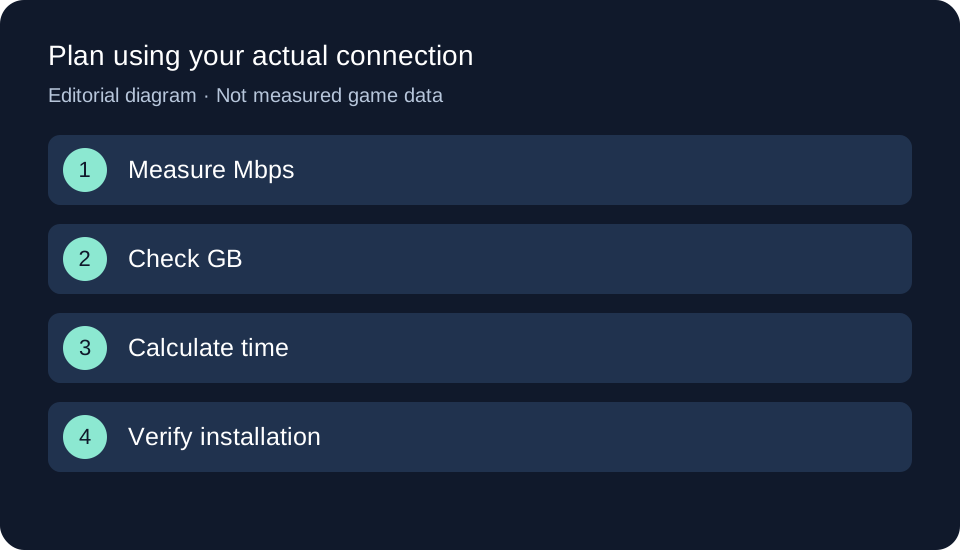
Original GTA Game Intel diagram; the text and table explain the same process.
What to prepare first
Check that your purchase matches your console and account. Our PS5 and Xbox Series guide covers announced platforms; the Standard and Ultimate comparison covers edition extras separately.
Prepare an Internet connection and storage space. This guide does not state a download size: use the size displayed by your console’s listing when available. An estimate should not be treated as a confirmed requirement.
Preparing a PS5 preload
For a digital pre-order, PlayStation explains how to enable automatic downloading:
- Open Game Library and select your pre-order.
- Select the countdown to view included content.
- Select the content you want automatically downloaded and confirm.
If you leave your console in rest mode, check that it stays connected to the Internet. These are general PS5 instructions, not a tested GTA VI preload walkthrough: preloading has not opened as of this review.
Preparing an Xbox Series download
Use the account associated with your purchase and check GTA VI’s console listing when preloading opens. If you bought a code, Microsoft’s redemption instructions let you sign into the correct Microsoft account and enter the code online.
Redeeming a code and downloading a game are separate steps. Before attempting installation, check that the game is associated with the account you use on your console, and keep the purchase confirmation for any order enquiries.
What if you ordered a box?
The Rockstar Store describes the box as containing a download code without a disc. A retailer pre-order does not mean you already have that code. Check delivery arrangements rather than assuming arrival on the first preload day.
What to check if downloading is unavailable
Check your local date, purchasing or redemption account, order status and free storage. Contact your retailer if the code has not arrived. For a redemption problem, check platform and region before contacting support. Even a completed download does not grant access before the game unlocks.
Official sources
- Rockstar Store — GTA VI: release date and boxed format.
- PlayStation — Automatic pre-order downloads: general PS5 procedure.
- Microsoft — Redeeming codes: Microsoft account redemption.
Related articles
Your next step
Our practical choice for slow connections is to use the earliest window enabled for the account. A general preload announcement does not mean a retailer’s code has already arrived.