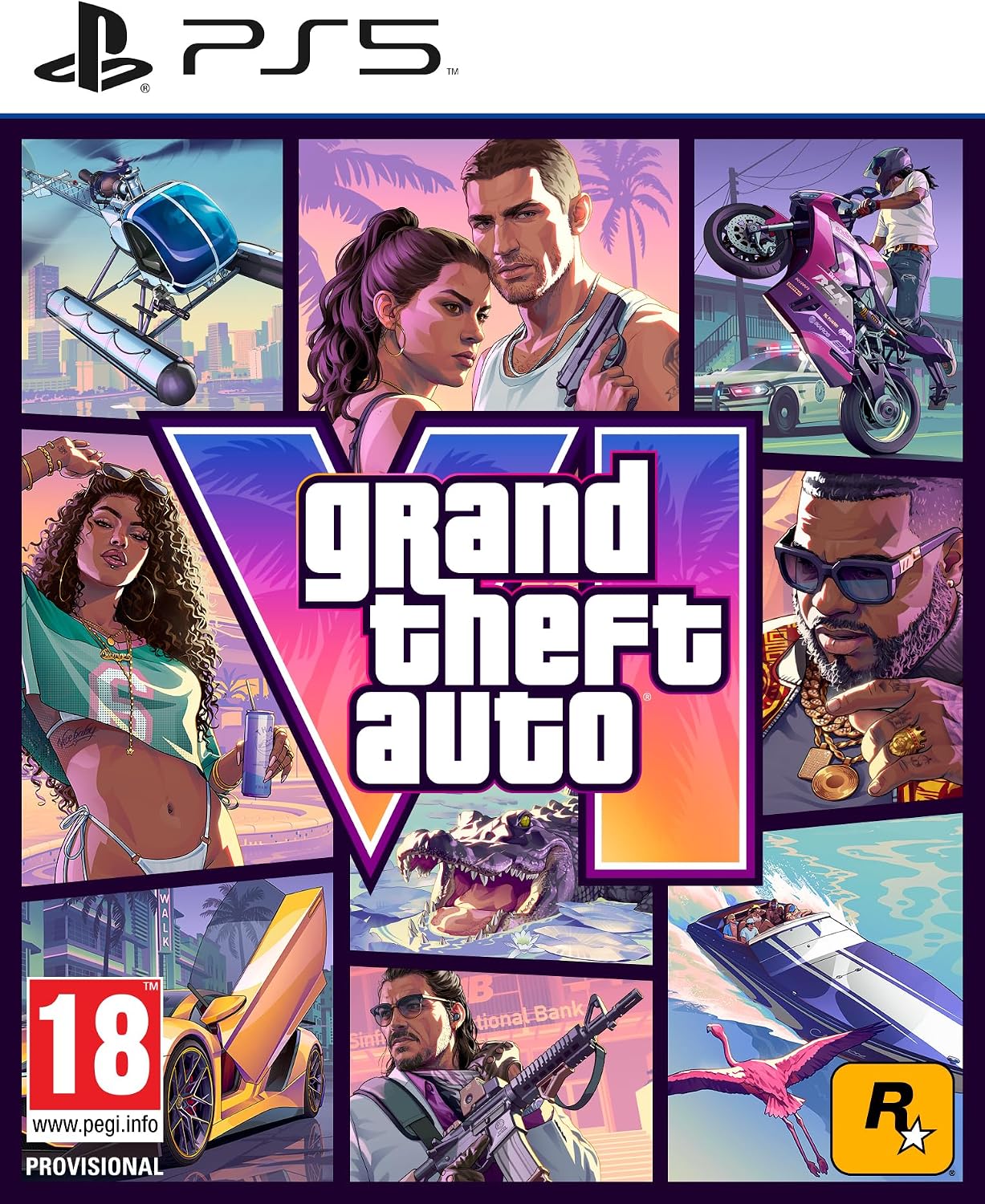
GTA 6 Vintage Vice City Pack: contents, deadline and eligibility
Separate the Vintage Vice City Pack from Ultimate extras and GTA+ membership, then check the purchase deadline, format and entitlement for your order.

Last updated: October 18, 2026
The Vintage Vice City Pack for Grand Theft Auto VI (GTA VI) contains a 1955 Vapid Stanier sedan and garage, outfits and hairstyles, and an exclusive weapon pattern. Rockstar Support lists these contents, checked on October 18, 2026. This promotional bonus is separate from the Ultimate upgrade.
The purchase deadline needs a regional check
The Rockstar Store advertises the pack at no additional cost for purchases before November 20, 2026. That does not include the whole of November 20. The US Xbox listing specifies November 19 at 23:59:59, but its reviewed text does not identify a time zone. We do not convert that into a universal deadline for Spain or Latin America.
Read the terms for the store and account region you will use before paying. A promotion cutoff does not establish when the game unlocks. We also cannot guarantee that the pack will be sold separately after the offer ends.
The pack, Ultimate and GTA+ are different benefits
| Item | What to check |
|---|---|
| Vintage Vice City Pack | Promotional entitlement tied to an eligible purchase and deadline |
| Ultimate Edition Upgrade | Additional Ultimate content, separate from the purchase bonus |
| Promotional month of GTA+ | Digital subscription benefit with its own redemption conditions |
The Rockstar Store comparison separates Ultimate extras from pack contents. Use the Standard and Ultimate comparison to choose an edition. Seeing the Vintage Vice City Pack in Ultimate advertising does not mean Ultimate is required to obtain it.
GTA+ is not a permanent subscription included with the game. PlayStation’s game-page FAQ explains the paid renewal unless cancelled; Xbox uses its own redemption process. Check your platform’s terms rather than assuming they are identical.
Check whether your order qualifies
- Match the product’s platform and region with your account.
- Confirm the deadline and pack inclusion for your order; keep the receipt and displayed terms.
- For a boxed purchase, verify the seller’s advertised contents and code delivery. A box does not mean a disc: see the physical-format guide.
- After associating the purchase with your account, review its content or add-ons. If the expected pack is missing, contact the seller or platform support with proof of purchase.
Rockstar’s support page includes the pack with physical pre-orders. We do not extend that statement to every second-hand box or purchase outside the stated conditions. Never post a complete redemption code when requesting help.
Are all the items available at the start?
We have not tested redemption or in-game delivery. A commercial contents list cannot establish when each item appears, a mission advantage or the garage’s exact location. Verifying the entitlement and finding out how the game delivers it are separate steps.
Header image: original editorial diagram, not Rockstar material or a game screenshot.
Official sources
- Rockstar Support — editions and versions, updated August 18, 2026: contents and digital/boxed distinction.
- Rockstar Store — comparison and promotion: deadline and separate benefits.
- Xbox and PlayStation — linked listings: their own store conditions, not universal regional terms.